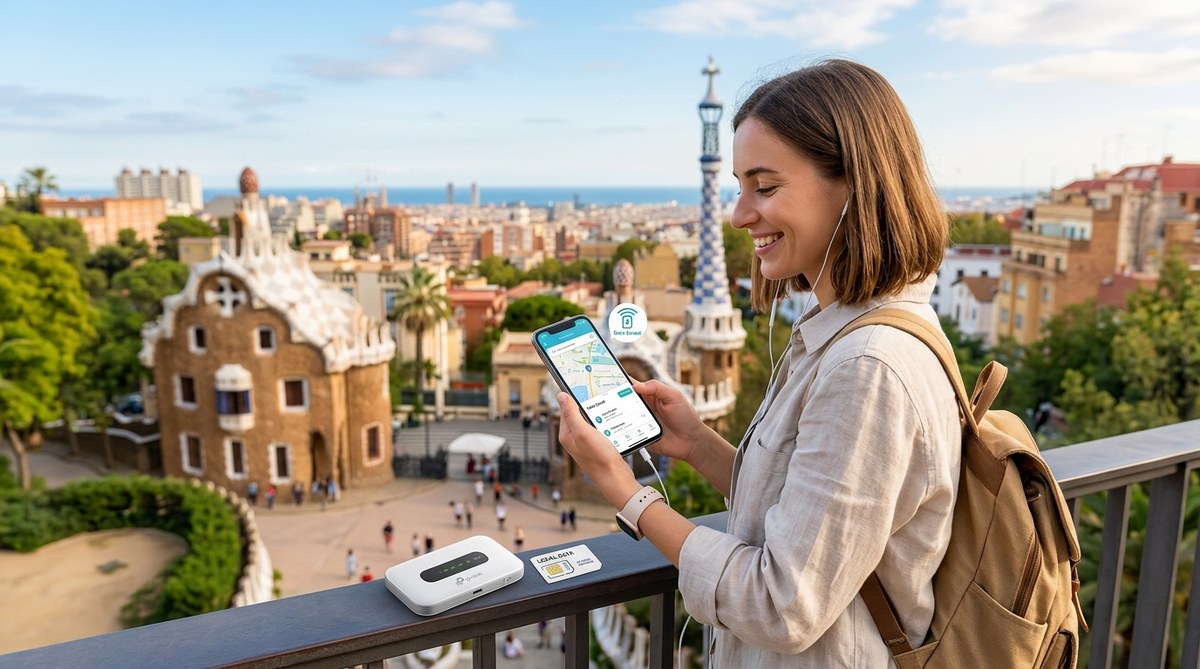
Every international traveler knows that sinking feeling when the landing gear goes up and the “Welcome to [Country]” text from your carrier appears. That text is usually followed by a second message: a cheerful reminder that your data will now cost you a small fortune. Roaming charges have ruined more than a few vacation budgets, and they don’t have to.
The good news? You have more affordable options in 2026 than ever before. Whether you are a frequent flyer or packing for your first trip abroad, you can use your phone without fear of a massive bill. This guide walks you through every practical method to stay connected and keep your money where it belongs: in your pocket.
Roaming charges are avoidable with a little planning. The best options for 2026 are eSIMs for convenience and local prepaid SIMs for deep savings. Before you leave, turn off data roaming in your settings, download offline maps, and check if your carrier offers a short-term international pass. Wi-Fi is everywhere, but a backup data plan gives you peace of mind when you really need it.
Why Roaming Charges Still Hurt in 2026
Carriers have not suddenly become generous. Roaming rates remain high because your phone uses a foreign network, and your home carrier pays that network a wholesale fee. That fee gets passed to you, often with a markup. A single photo upload or a quick navigation check can cost several dollars depending on your plan.
Some US carriers now include limited international data in their premium plans. T-Mobile’s Magenta and Go5G plans, for example, offer free 2G data and texts in many countries. AT&T and Verizon have day passes that cap your charges at around $10 per day. Those passes add up fast on a two-week trip. If you travel with family and each person has a phone, the daily fees multiply across every device.
The cheapest approach is to disconnect roaming entirely and use an alternative. Let’s look at the methods that actually work.
The Four Best Ways to Avoid Roaming Charges
Each traveler has different needs. A digital nomad working from a cafe in Lisbon needs far more data than a tourist snapping a few photos in Rome. Here are the four main strategies ranked from most to least convenient.
1. eSIMs: The 2026 Traveler’s Best Friend
An eSIM is a digital SIM card embedded in your phone. You buy a data plan online, install it with a QR code, and activate it when you land. No physical card swapping required.
eSIMs have become the top choice for most travelers because they let you keep your home number active for calls and texts while using a separate data line. You can buy a plan before you leave and activate it the moment your plane touches down. Providers like Airalo, Holafly, and Nomad offer country-specific and regional plans at a fraction of roaming costs. A 7-day, 1GB plan for Japan might cost around $5, compared to $70 or more through a carrier day pass.
Most modern phones support eSIMs, including iPhones from the XR onward, Google Pixels, and Samsung Galaxy S20 and newer models. If your phone is unlocked, you are set. If it is locked to a carrier, you may still be able to use an eSIM as a secondary line, but check with your carrier first.
One small tip: download and install the eSIM profile before you leave. You need internet to activate it, and airport Wi-Fi can be spotty.
2. Local Prepaid SIM Cards
If you want the absolute lowest price and have an unlocked phone, buying a local SIM card is still the winner. A prepaid SIM from a local carrier often includes generous data allowances for a few dollars. In Thailand, for instance, an AIS tourist SIM with 15GB of data for 8 days costs around $8. In Europe, carriers like Vodafone, Orange, and TIM sell prepaid plans that work across multiple countries.
The downside is the hassle. You have to find a store, possibly show your passport, and swap out your home SIM. Keep your home SIM safe in a zippered pocket or a small case. Some travelers carry a cheap second phone just for this purpose.
3. Portable Wi-Fi Hotspots
Portable hotspots are small devices that create a private Wi-Fi network using a local data connection. You rent them before your trip or pick them up at the airport. Services like Pupuru and Solis offer global hotspots with daily data caps.
These devices work well for families or groups because multiple phones can connect to a single hotspot. The main drawbacks are the extra device to carry and charge, and the rental fees that can add up on longer trips.
4. Wi-Fi Only and Offline Maps
You can survive on Wi-Fi alone if you prepare properly. Download offline maps in Google Maps or Apple Maps for every city you plan to visit. Download your boarding passes, hotel confirmations, and any important documents ahead of time. Use messaging apps like WhatsApp or iMessage over Wi-Fi to stay in touch.
This method costs nothing, but it limits your flexibility. You cannot navigate while walking between Wi-Fi zones, and you cannot look up a restaurant recommendation on the fly. It works best for short trips or travelers who stick to cafes and hotels with reliable internet.
How to Set Up Your Phone Before You Leave
Follow these steps to avoid accidental charges the moment you step off the plane.
-
Turn off data roaming in your settings. On an iPhone, go to Settings > Cellular > Cellular Data Options and toggle off Data Roaming. On Android, go to Settings > Connections > Mobile Networks and turn off Data Roaming.
-
Disable background app refresh. Apps like email, social media, and weather will keep using data in the background unless you stop them. Turn off background data for every app that does not need real time updates.
-
Turn on airplane mode when you land. This kills all cellular connections instantly. You can then manually turn Wi-Fi and Bluetooth back on without risking data roaming.
-
Remove or disable your home SIM if using a local SIM. If you are swapping to a local SIM, physically remove your home SIM or disable it in the dual SIM settings.
-
Test your eSIM or local SIM with a small data task. Open a web page or send a message to confirm everything works before you rely on it for navigation.
Expert Advice: “I always do a dry run before I leave. I turn on airplane mode, connect to Wi-Fi at home, and make sure my messaging apps work without my cellular line. That way I know my settings are correct before I even get to the airport.” — Sarah Liu, travel tech blogger at Nomad Nexus
Common Mistakes That Still Trigger Roaming Fees
Even with the best intentions, travelers accidentally rack up charges. Here are the most common slip ups and how to avoid them.
| Mistake | Why It Happens | How to Fix It |
|---|---|---|
| Visual Voicemail downloads | Your phone downloads voicemail over cellular when roaming is on | Turn off data roaming before you leave |
| iMessage activation | iMessage may try to activate or verify via SMS when you insert a new SIM | Turn off iMessage before removing your home SIM |
| Automatic email fetch | Email apps pull new messages over cellular data | Set email to manual fetch or disable cellular data for the Mail app |
| System services | Location services, time zone updates, and weather use data in the background | Go to Settings > Privacy > Location Services > System Services and turn off most options |
| App store updates | Apps update over cellular if not restricted | Set App Store updates to Wi-Fi only |
Choosing the Right Option for Your Trip
The best method depends on your destination, phone model, and travel style. Here is a simple breakdown.
-
You have an eSIM-compatible phone and want zero hassle: Buy an eSIM before you go. It works in over 190 countries and activates with a QR code.
-
You have an unlocked phone and want the cheapest data: Buy a local SIM when you arrive. It takes 15 minutes at the airport but saves you the most money.
-
You travel with family or a group: Rent a portable Wi-Fi hotspot. One device covers everyone and avoids the headache of setting up multiple SIMs.
-
Your trip is short and you stay near Wi-Fi: Use offline maps and free Wi-Fi. No cost, no setup.
If you are planning a longer trip through multiple countries, a regional eSIM or a Europe-wide prepaid SIM is usually the easiest option. Providers like Holafly offer plans that cover all of Europe, Southeast Asia, or Latin America with one installation.
What to Do When You Have No Signal at All
Sometimes you end up in a place with no cellular coverage and no Wi-Fi. Remote hiking trails, subway tunnels, and rural areas can leave you disconnected. Carry a backup plan.
Download offline maps for the entire region, not just the city center. Save your hotel address, embassy contact, and emergency numbers as plain text notes on your phone, not in the cloud. Consider carrying a small paper map as a last resort.
If you are traveling as a couple or group, agree on meeting points and times before you split up. A 15-minute delay in a subway tunnel is fine if everyone knows where to wait.
Internal Links for Deeper City Guides
Learning how to stay connected is just one part of planning a smooth trip. Once you have your data sorted, you can focus on what really matters: experiencing the city. Check out our guide on how to spend 48 hours in Tokyo without breaking the bank for a budget friendly itinerary. If you are heading to Europe, our tips on how to spend 5 days in Paris like a local will help you skip the tourist traps. For first timers in Italy, read the ultimate first-timer’s guide to navigating Rome like a local to make the most of your time.
Your Phone Should Work for You, Not Against You
Roaming charges are an unnecessary stress. With the right preparation, you can land in any country and have working data within minutes for a few dollars. An eSIM takes the guesswork out of the process, but a local SIM works just as well if you prefer tangible control.
Take five minutes before your next trip to turn off data roaming, download an eSIM or research local carriers, and save a few offline maps. That small investment of time will save you money and give you one less thing to worry about. Your vacation should be about the places you see, not the bill that shows up after you get home.